The Cybersecurity club was asked to change our attendance system (again). Since most of us in the club would much rather just use the official university login, I asked if we could poke around and see if we could find any vulnerabilities in the site. After getting the green light, I went through and found some… issues.
Background
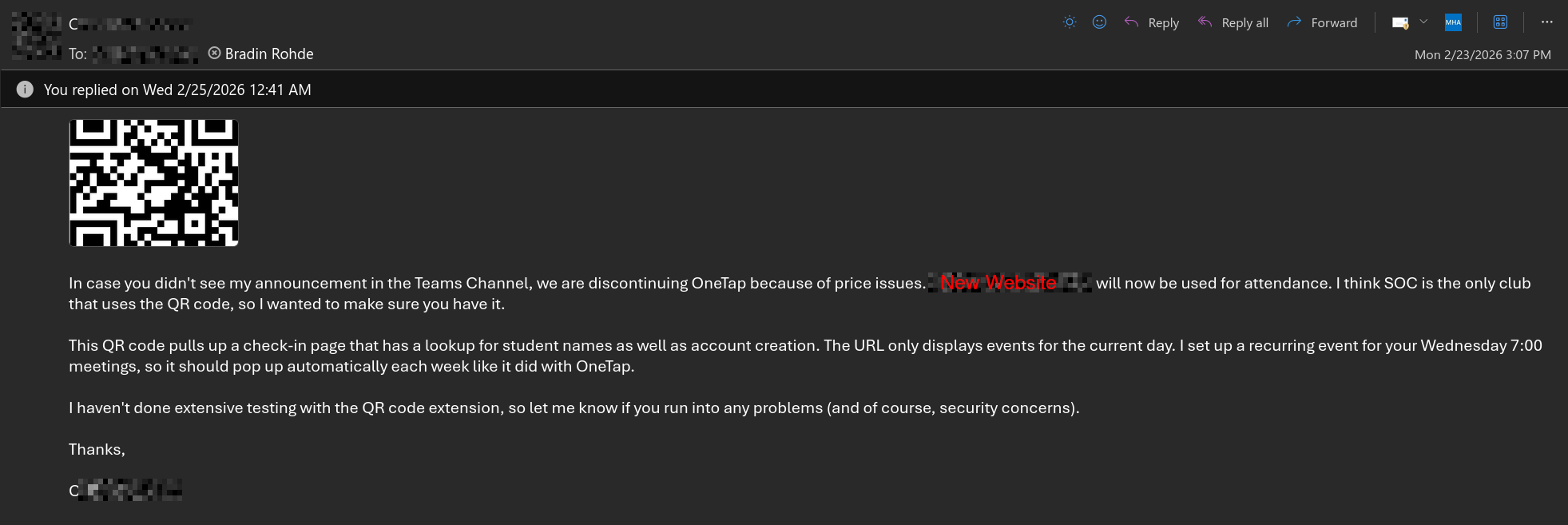
I received an e-mail on Monday, the 23rd of February, regarding our club’s attendance system. We were discontinuting the old one due to pricing issues. The e-mail mentioned that the system was not extensively tested, and to inform of any problems or security concerns.
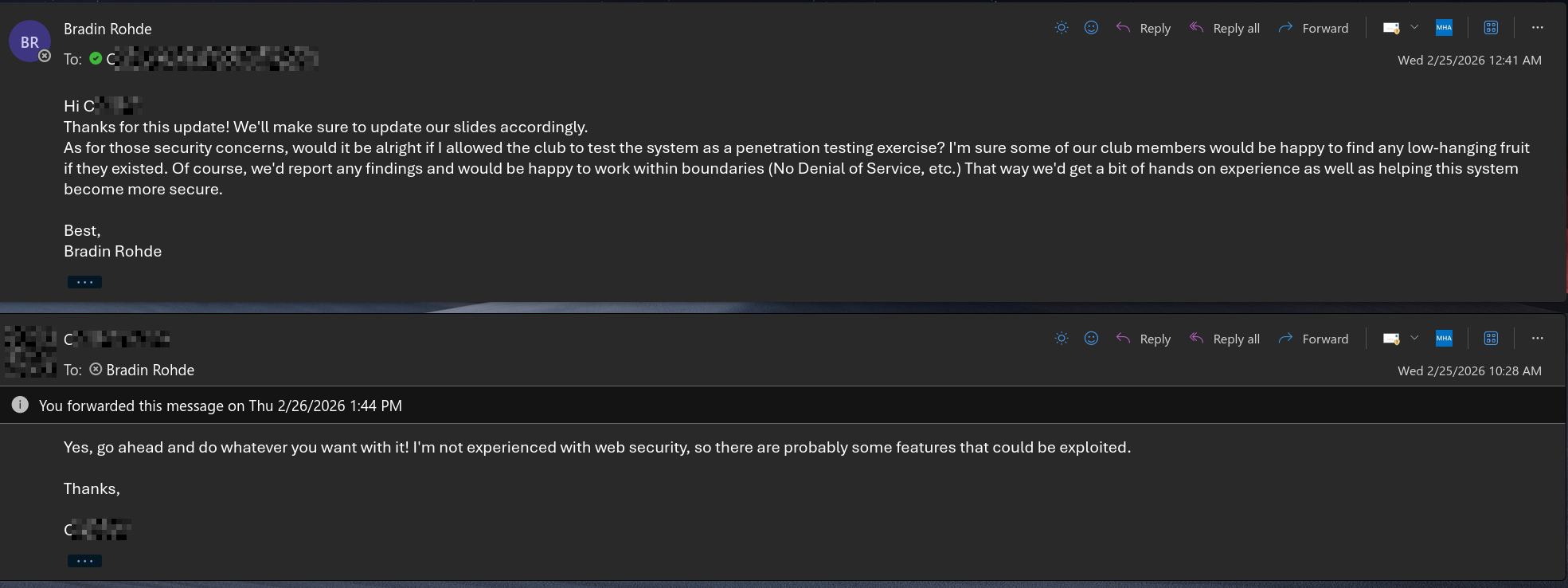
Although the email said to inform of any security concerns, I wanted to get a clear written “yes” before poking around the website and look for any low-hanging fruit. I asked If we could use it as a security exercise for club. I got told yes, and started to look around.
Day 1 - Holy Crap That’s Some APIs
Using the Site Normally
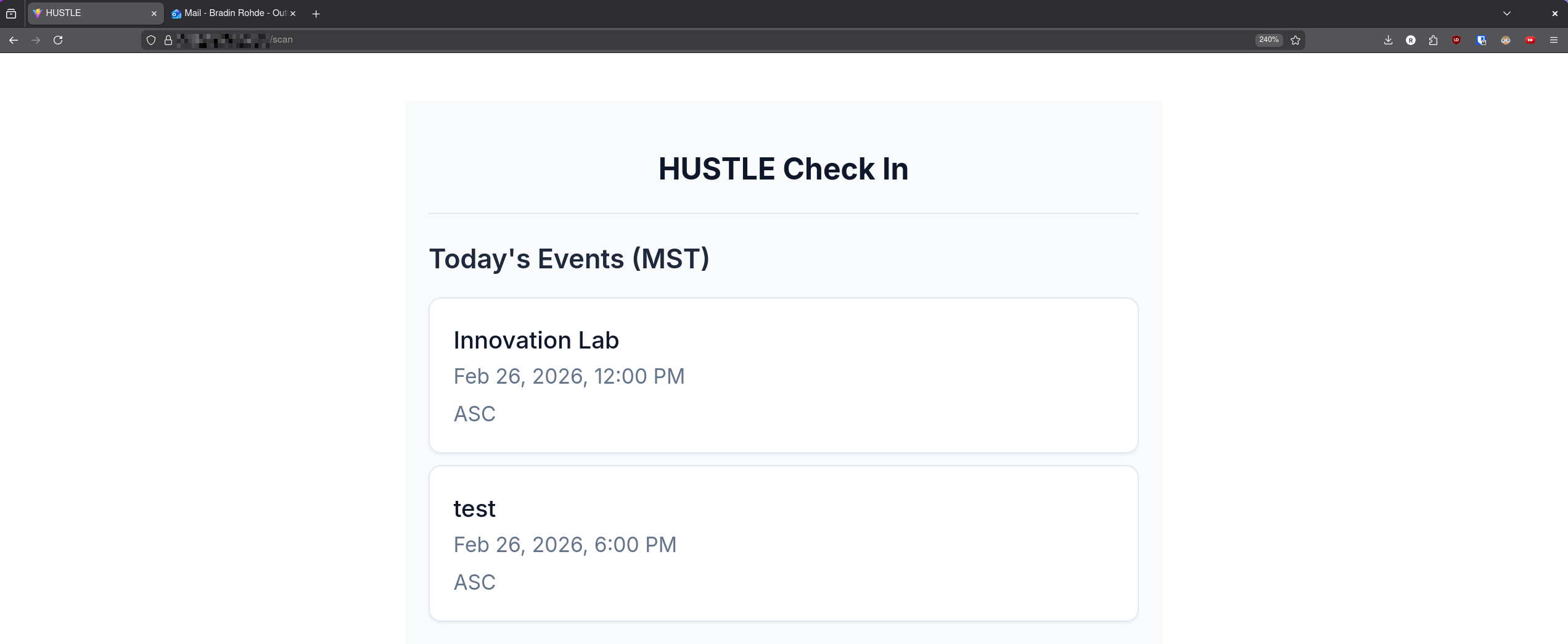
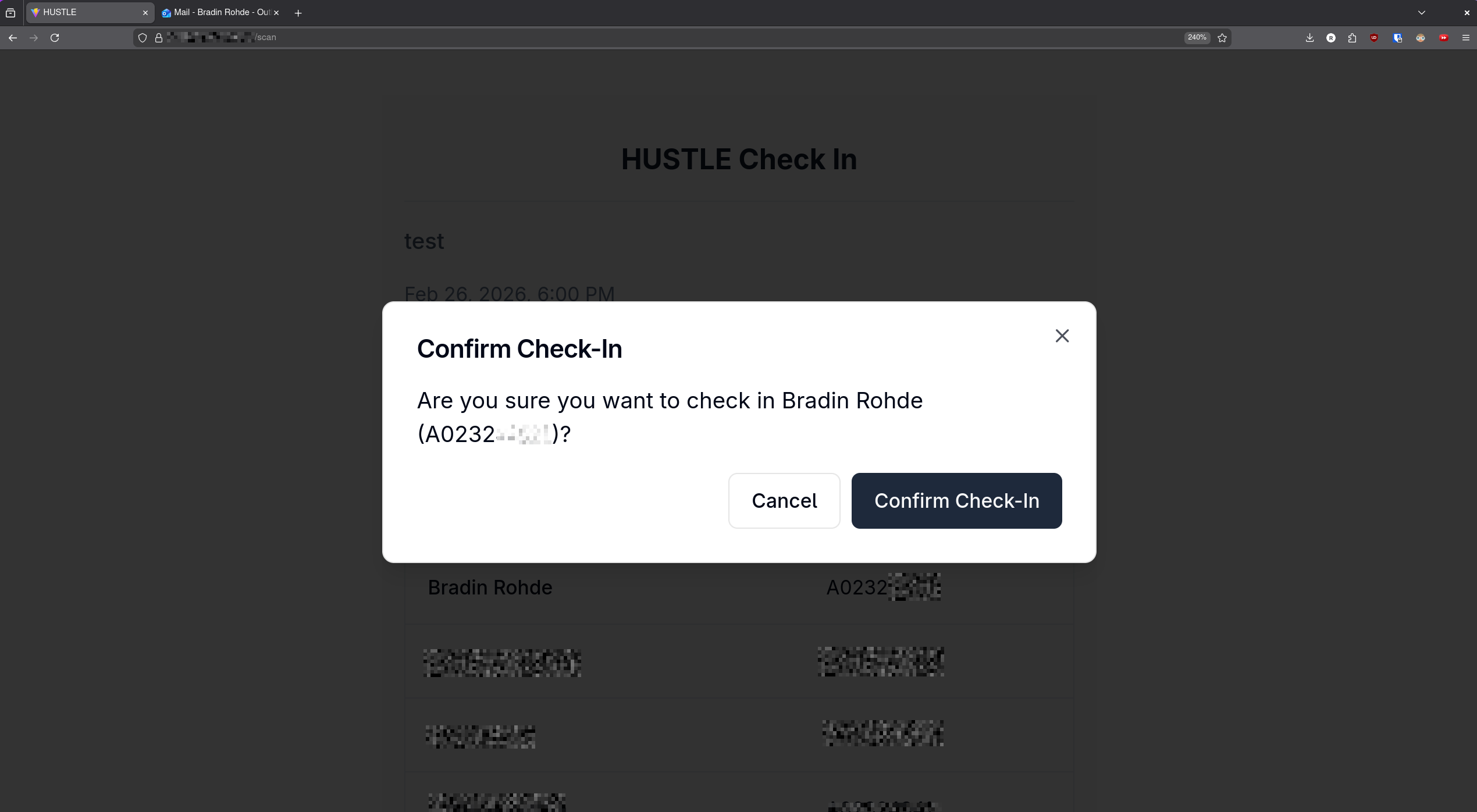
Upon scanning the QR code, we are brought to the /scan endpoint of the website and shown any events that are happening that day.
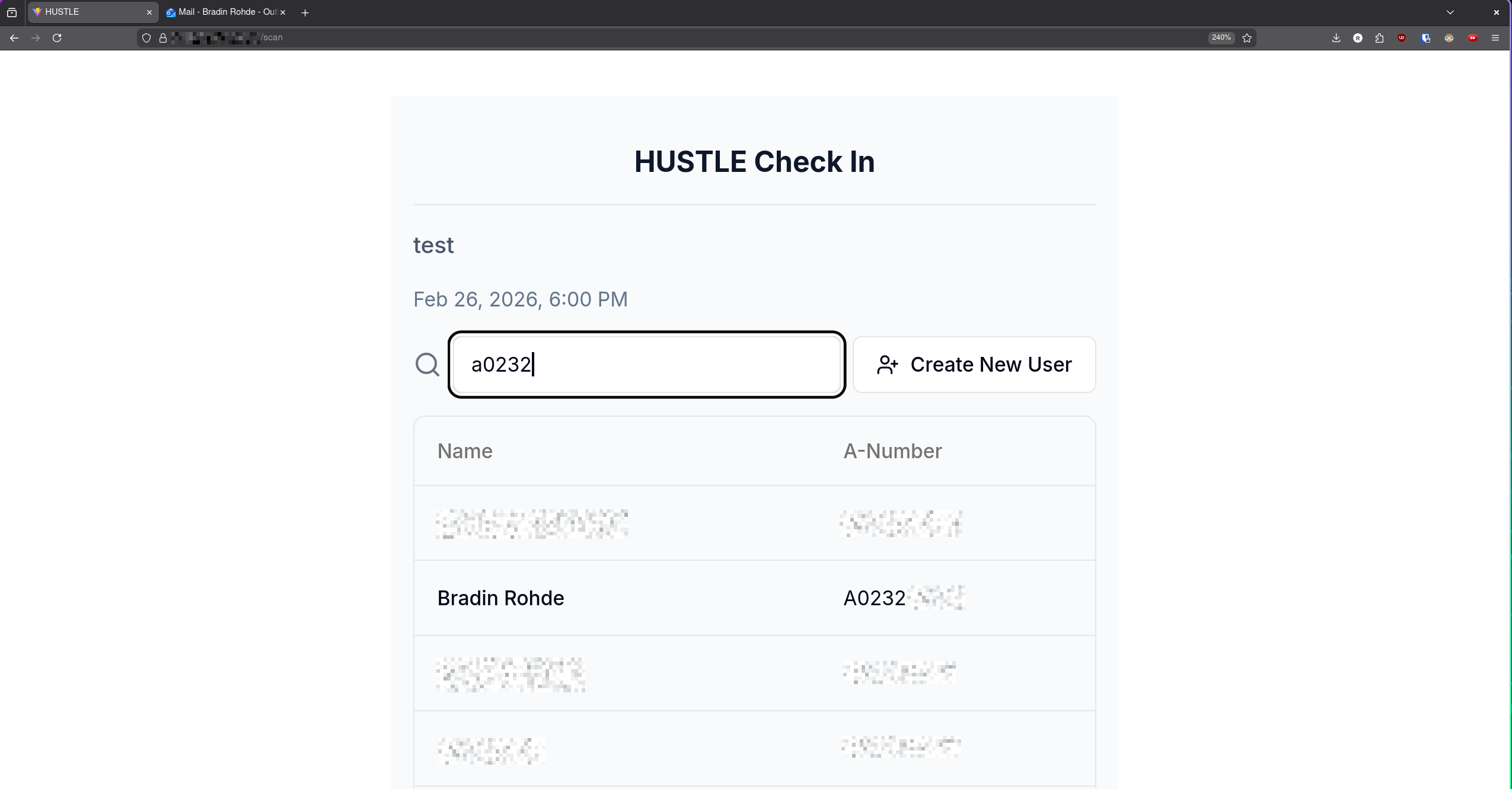
Students then can put in either their name or A-number, and it would auto-complete. This could be problematic for information disclosure.
Clicking on a name would then give a confirmation prompt to check them in, doing so gives a green confirmation prompt, and removes the name from the list.
Some Manual Directory Traversal
/
The root endpoint would redirect me to /login page.
/login
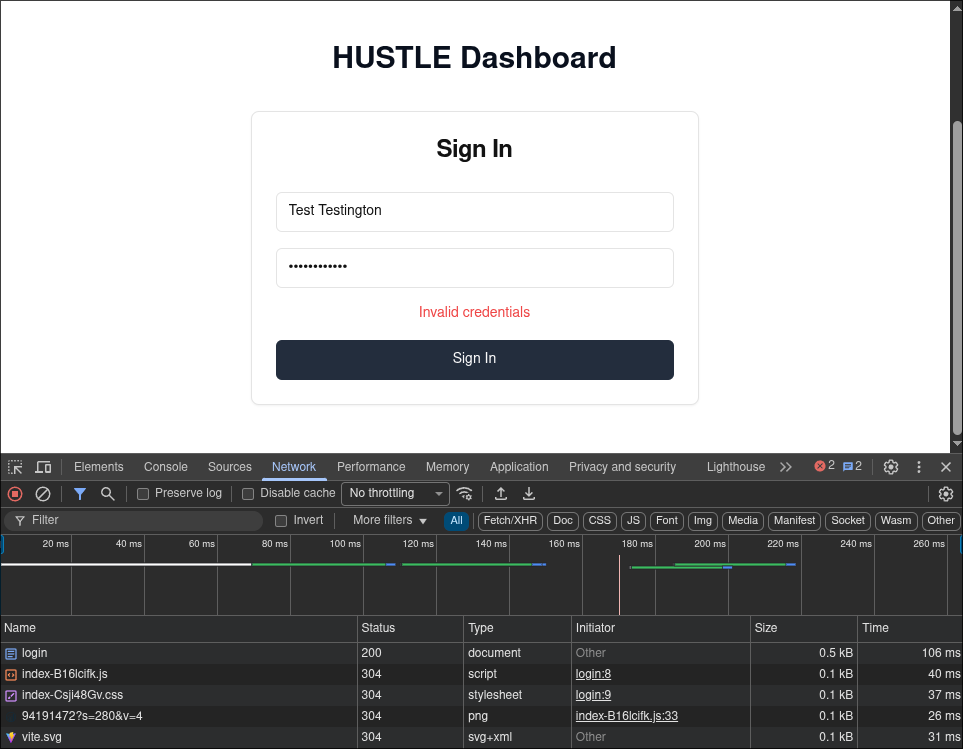
Following the network when I tried to log in with an account, it doesn’t seem to go anywhere. No API call or anything. The page would prompt with “Invalid credentials” for anything that was input, even valid credentials.
/register
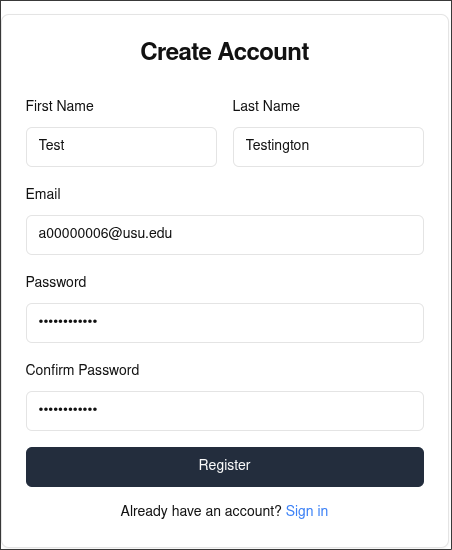
Because of the available login page, I thought to try to see if I could register. I had no problems doing so, and the account was able to log in to events just fine.
/robots.txt
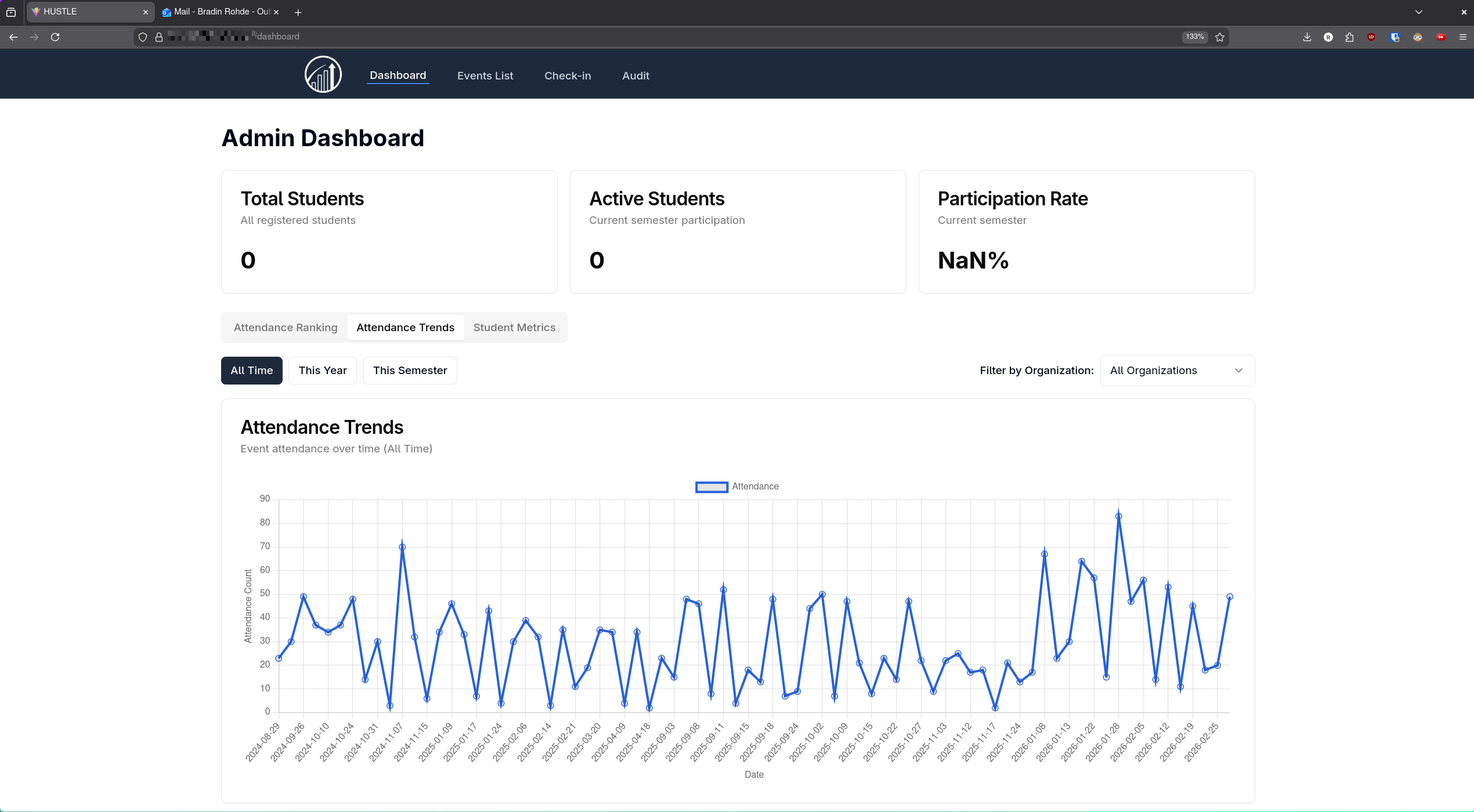
This redirected me to /dashboard, which is a pretty large problem, because now any web scraper would have admin dashboard access.
/dashboard
Here I could view attendance trends and daily metrics. I also have easy access to /events, /check-in, and /audit.
/events
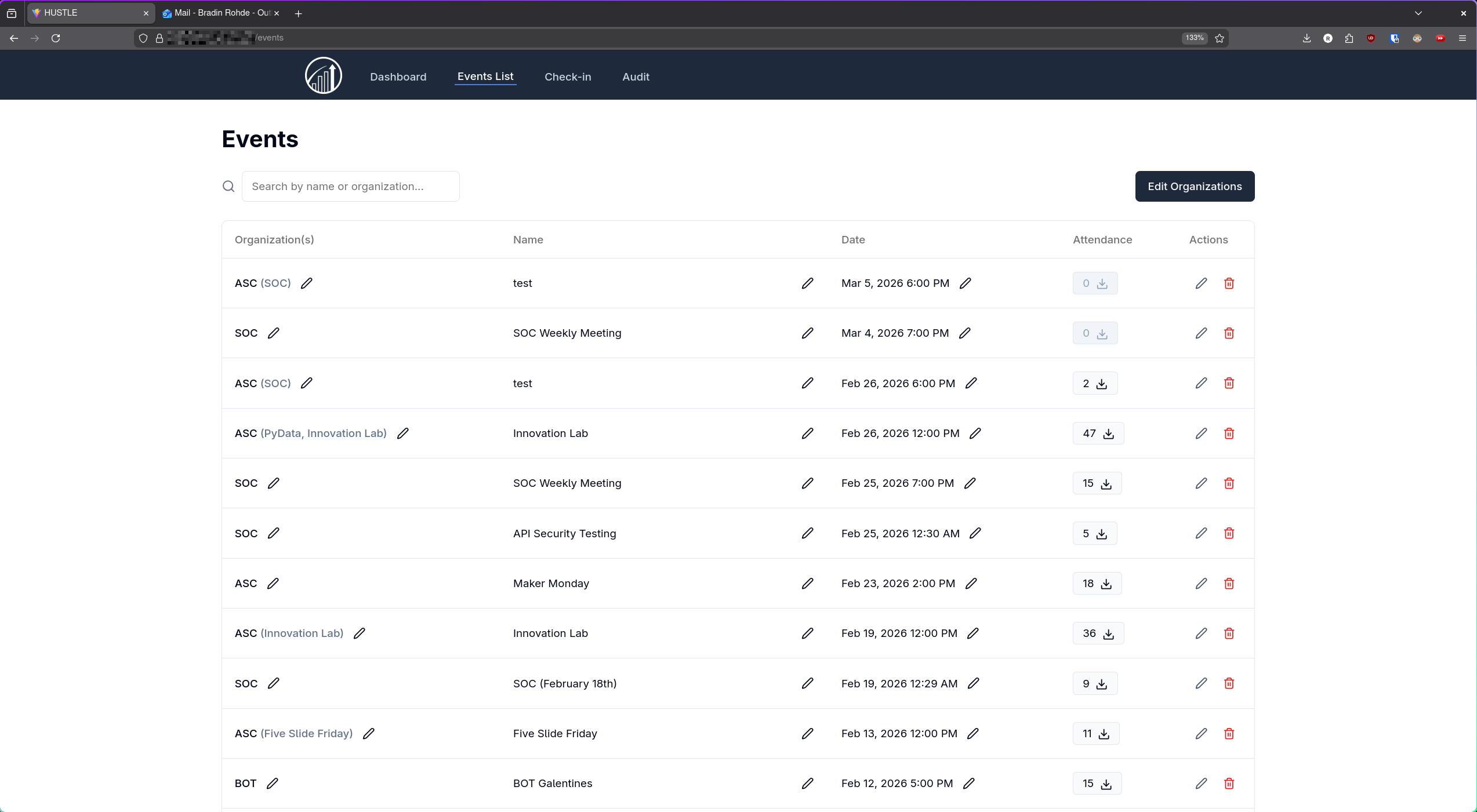
In the events tab, I could see every event, past and future. I could create, edit, and delete events, as well as download attendance records from each one.
/check-in
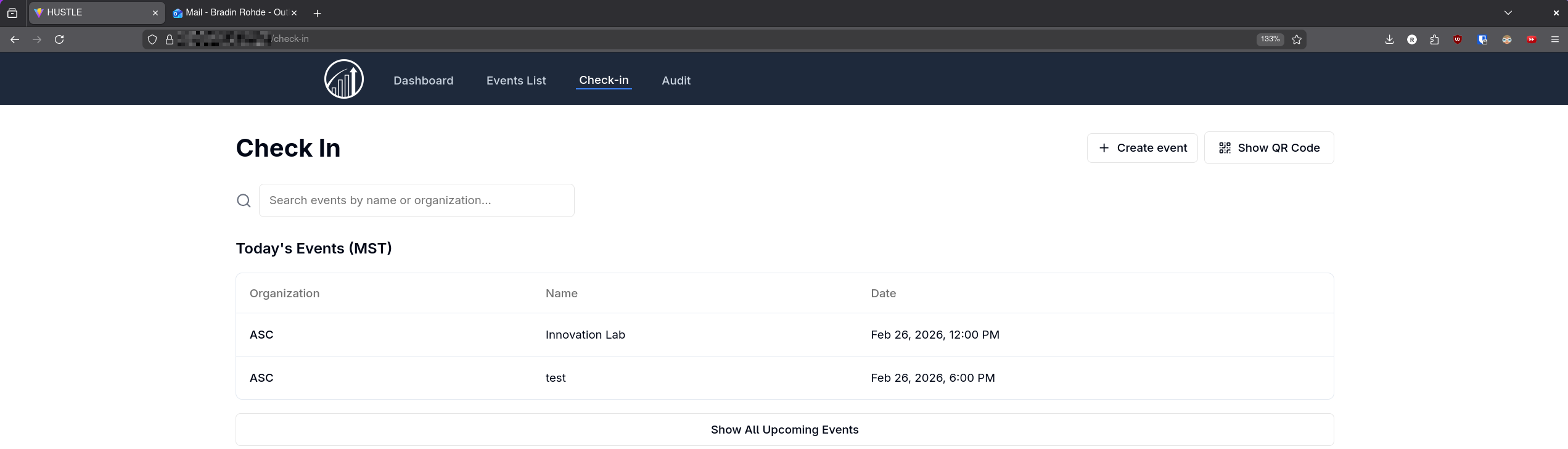
This tab was not too different from what I was able to do on the /scan endpoint.
/audit
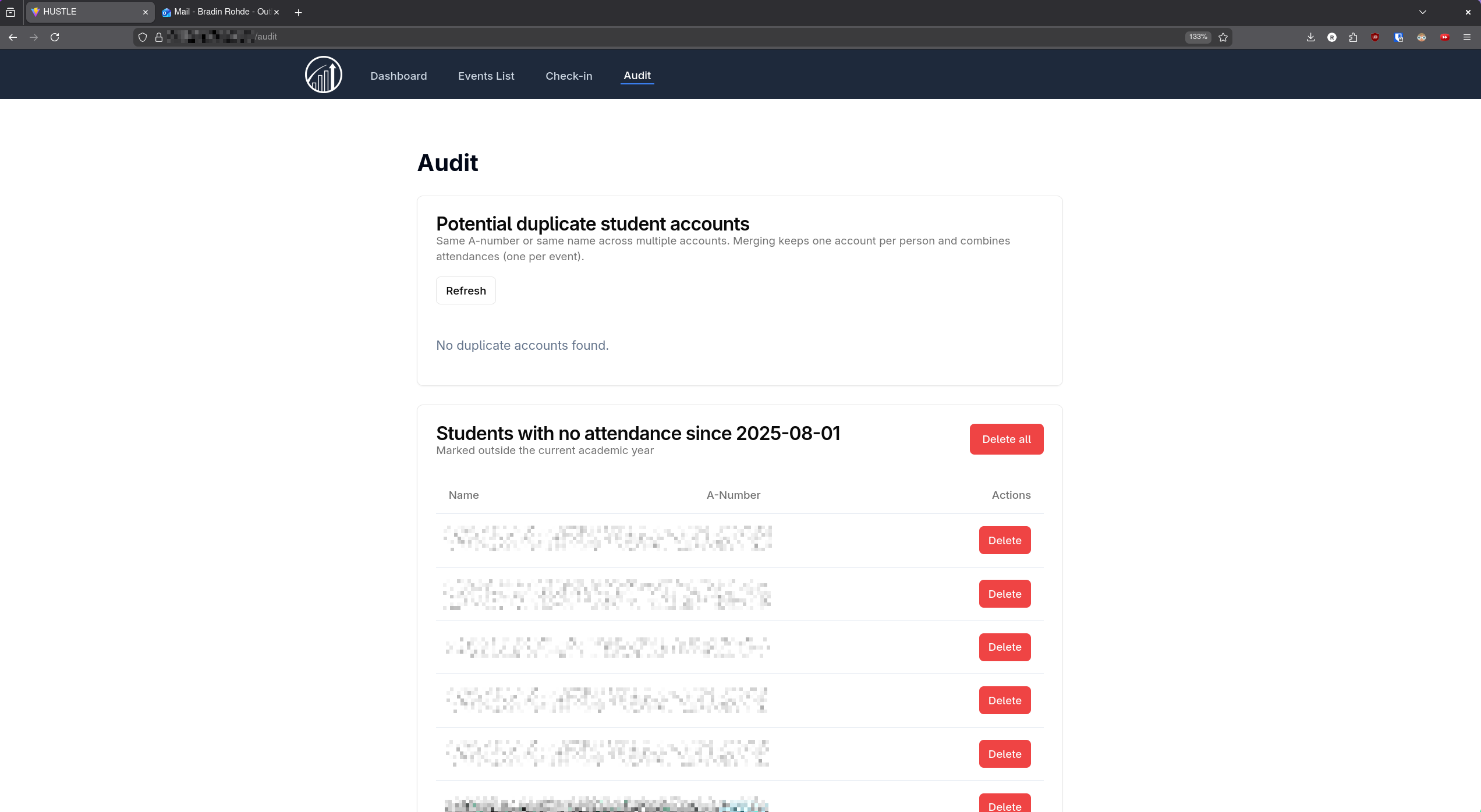
The audit dashboard functions as a clean-up area to remove any in-active students and delete duplicate accounts.
Running Gobuster
In order find more endpoints, I used Gobuster with a common wordlist found on SecLists. The results showed a few directories available that I could access, but not all of the ones that I found in total.
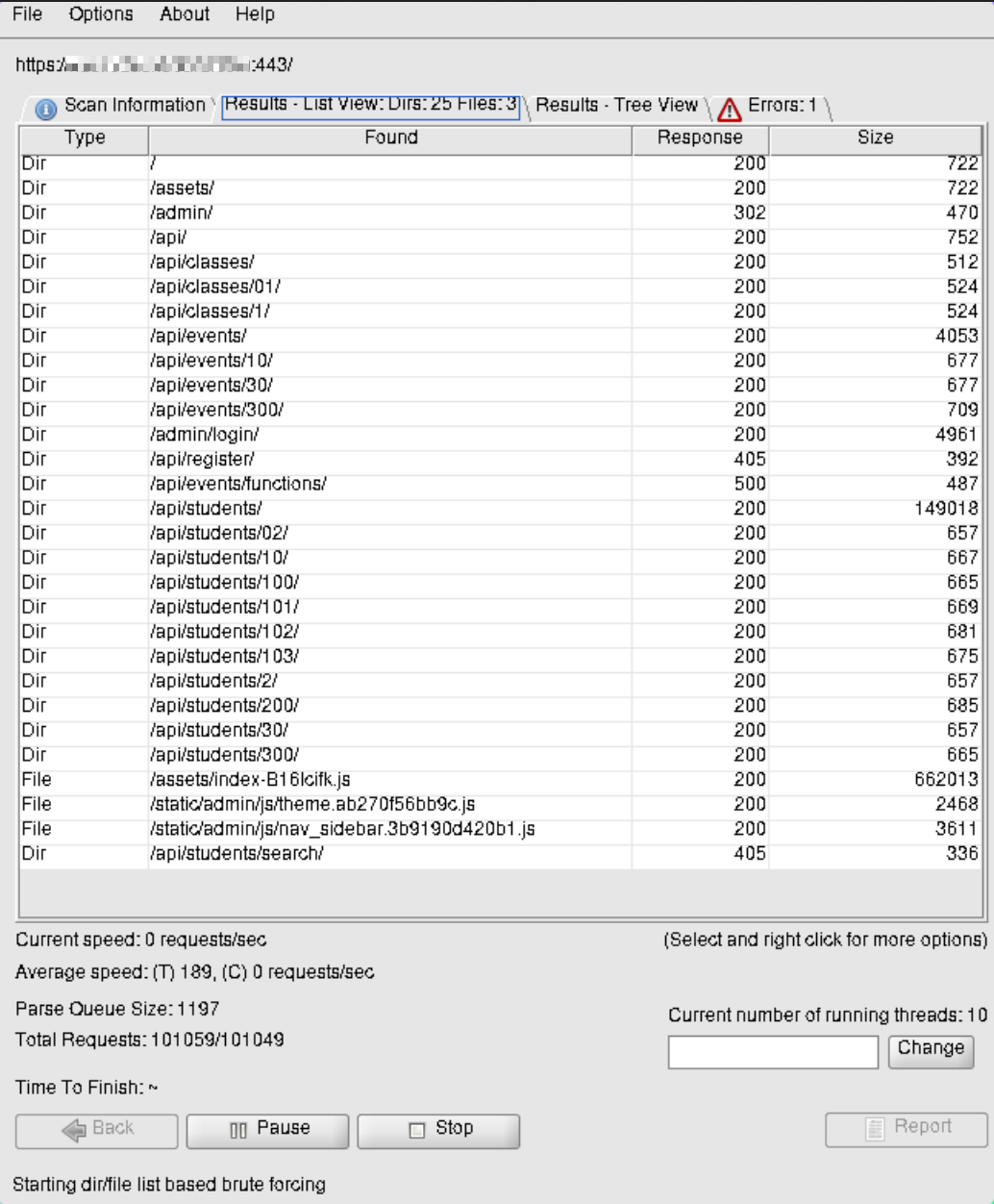
It looks like the APIs are going to be interesting. Let’s dive deeper
APIs
Next I wanted to hit all of the APIs to see what I could find. I was not prepared to find this kind of discovery.
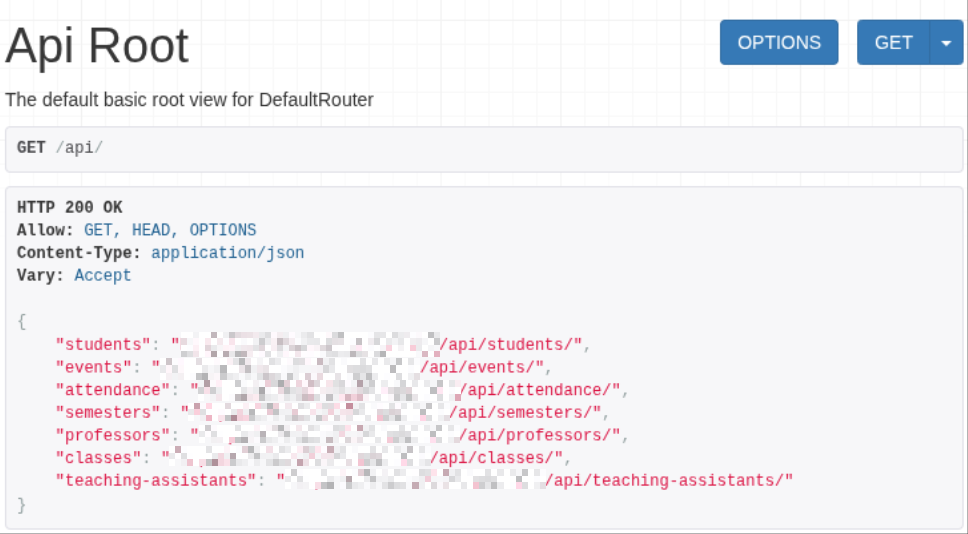
/api
No login, no verification, nothing. Just all of the APIs publicly available to hit. I wouldn’t have a problem if all these APIs could do was view and maybe create events, but the amount of information that was publicly available was outrageous.
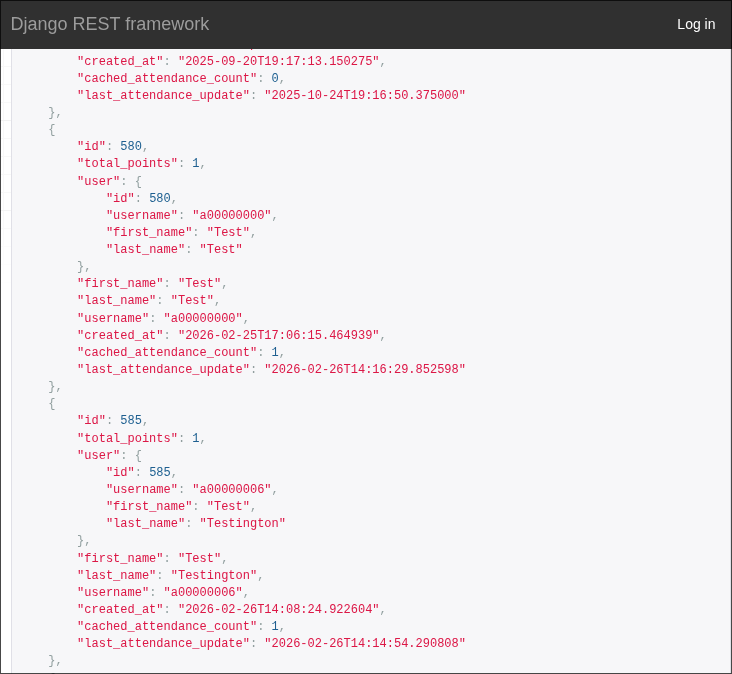
/api/students
The students endpoint was the one that scared me the most to find. Every single student could be found here, along with their A-number, when they attended a club last, and points.
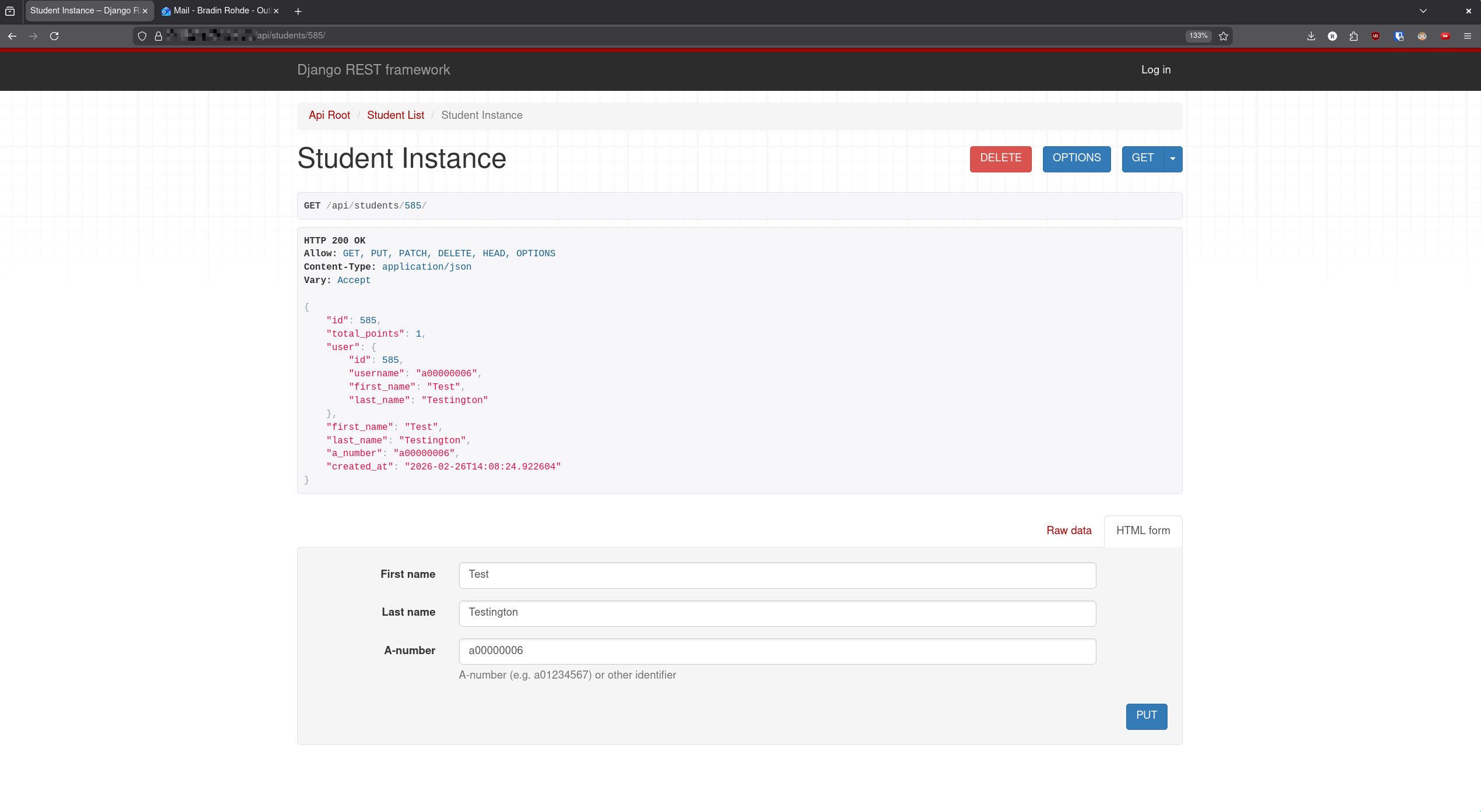
/api/students/{id}
Here I was able to modify any value for any individual user.
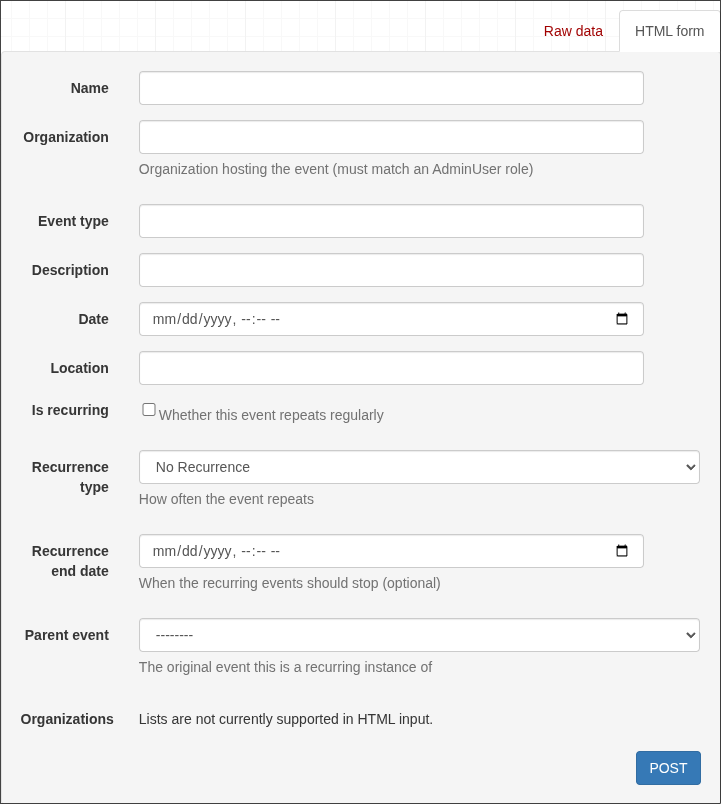
/api/events
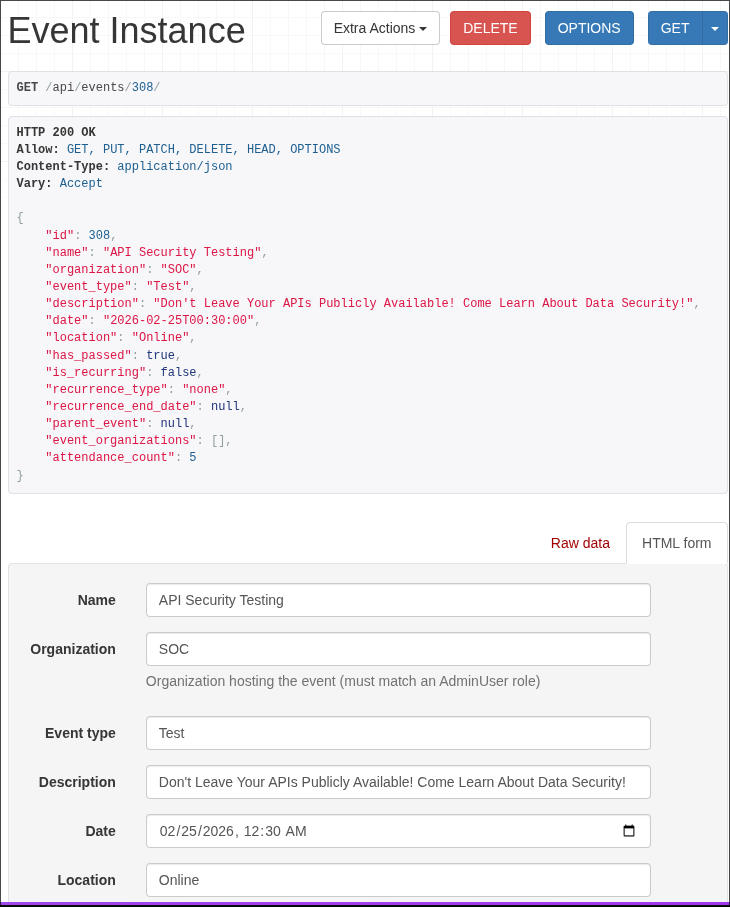
This one was kind of fun, there was a check in place for “AdminUser” role. However, the GET request that the API does showed all of the Organizations, and every one of those was an AdminUser. I was able to say the organization was SOC to create a new event.
/api/events/{id}
Same thing as the others, I create and delete things at will. I mostly just thought I was being funny with this event I created and wanted to show others.
/api/attendance/
This endpoint was really bad for my laptop. Imagine the /students endpoint, but create another copy of the student any time they check in to an event. It crashed my browser a few times and I had to view this one on my PC.
Other APIs
The other APIs weren’t too interesting in terms of information, just showed last semester, and a single professor, class, and two teaching assistants. I think this could have been intended to be used for class attendance as well as club, but I’m really glad it didn’t make it far.
Moving Elsewhere
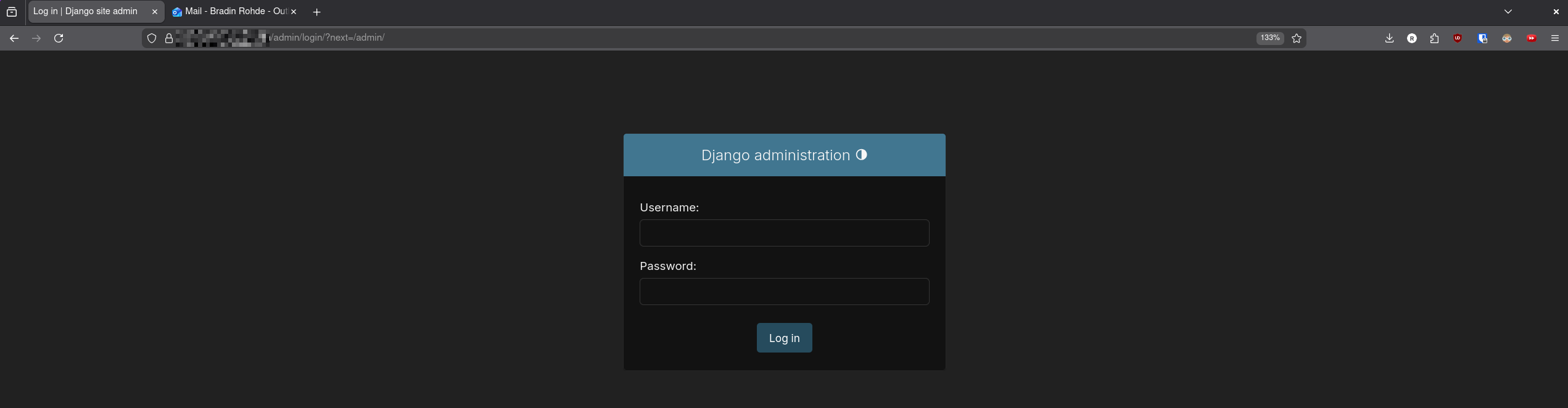
After too much time with the APIs, I moved on to the /admin endpoint. I was met with a Django login, tried a couple default credentials, and was fortunately not able to log in.
The /static endpoints didn’t really give me much that I cared for.
Disclosing The Vulnerabilities
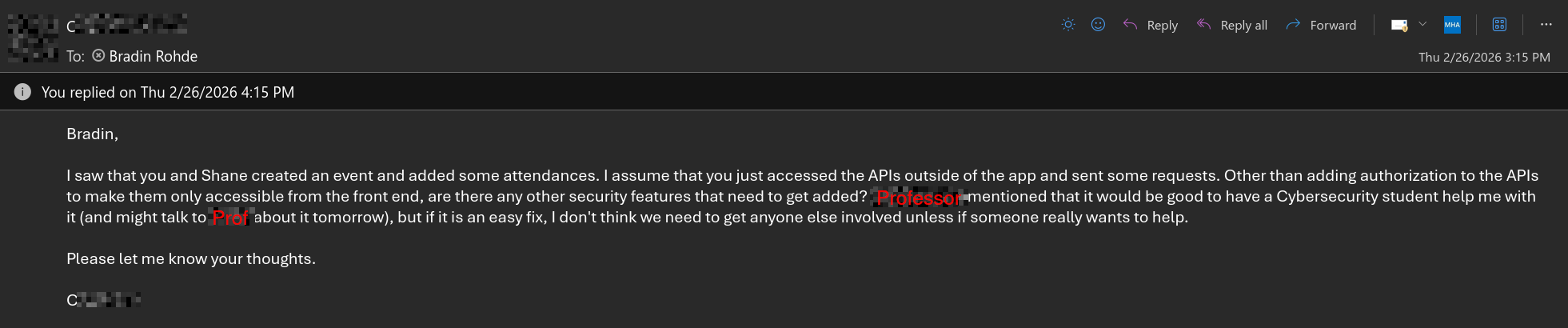
Right after finishing up, I started working on a summary of the vulnerabilities discovered to send back to the programmer. In the middle of the writeup, I got an email from them.
I finished up the writeup and responded.
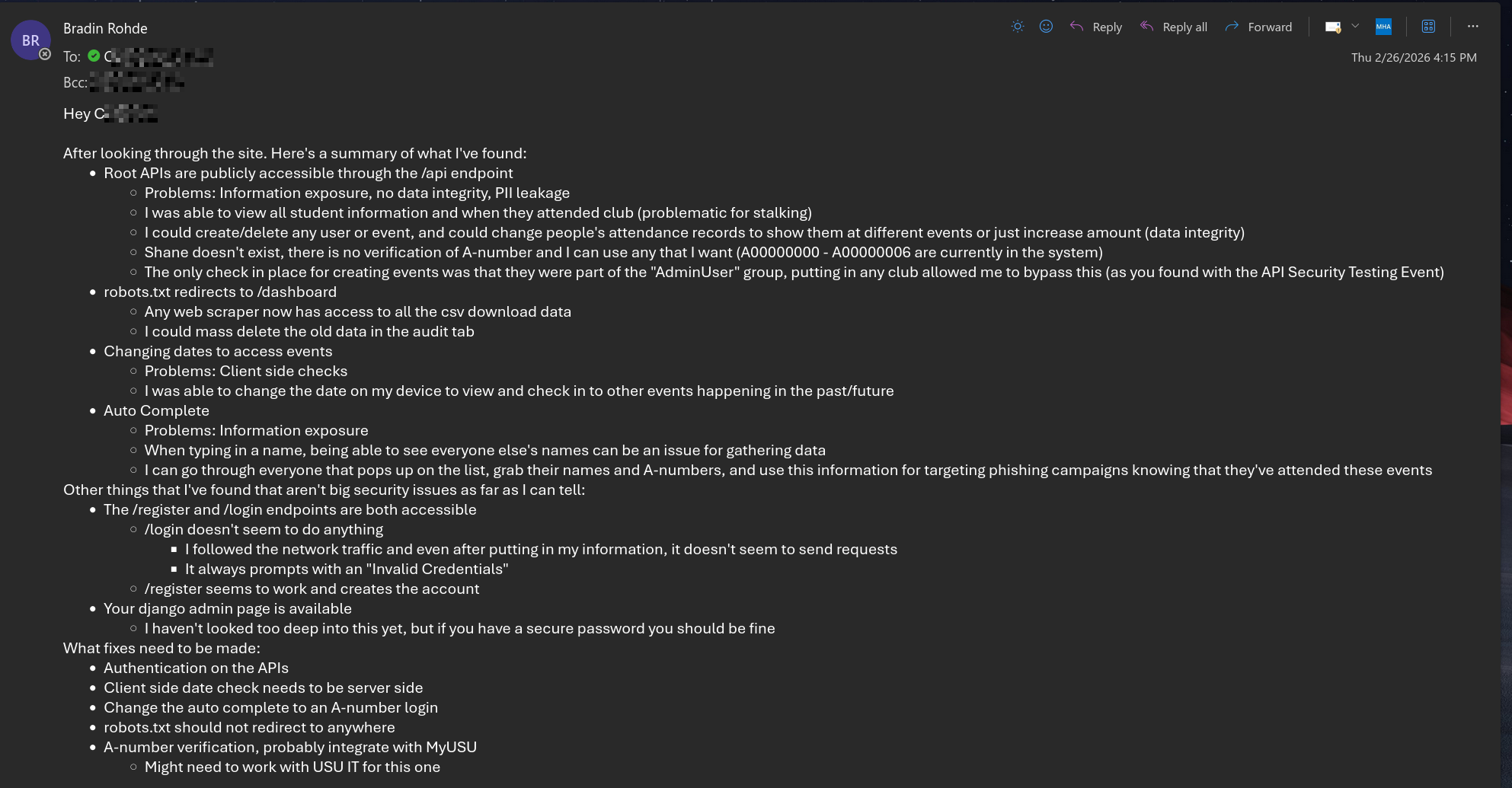
The programmer seemed eager to fix the code, and promised to give me an update in the next 24 hours.
Day 2 - The Return
The maker of the program reached back out me after a couple days to let me know that they made the modification that I recommended. They thanked me for my help, but I wanted more. I asked if it would be alright if I continued to try and break the system. Right now I’m waiting for a response, but I’ll update this post with the answer.